Neural Draw AI Icon

Transform Ideas into Diagrams with AI

Create professional diagrams instantly in Google Docs and Slides. Just describe what you want—our AI does the rest.

Install Free Extension

Powerful AI-Driven Features

Everything you need to create stunning diagrams without any technical knowledge

🤖

AI-Powered Generation

Simply describe your diagram in plain language. Our AI understands 80+ languages and creates exactly what you need.

💬

Conversational Interface

Refine your diagrams through natural conversation. Ask for changes, add details, or start over—just like talking to a colleague.

🎨

Beautiful Designs

Professional, color-coded diagrams with clean layouts. No design skills required—AI handles all the styling.

Instant Preview

See your diagram before inserting it. Make sure it's perfect, then add it to your document with one click.

🔄

Easy Editing

Update any diagram later by continuing the conversation. Your diagrams evolve with your needs.

🌍

Multilingual Support

Work in any language—English, Spanish, French, Chinese, Arabic, and 75+ more. AI understands them all.

50+ Diagram Types Supported

From flowcharts to data visualizations, we've got you covered

📄 Flowcharts & Processes

  • Flowcharts
  • Business Process Diagrams
  • Activity Diagrams
  • State Diagrams
  • User Journeys
  • Timelines & Roadmaps

📊 Data Visualization

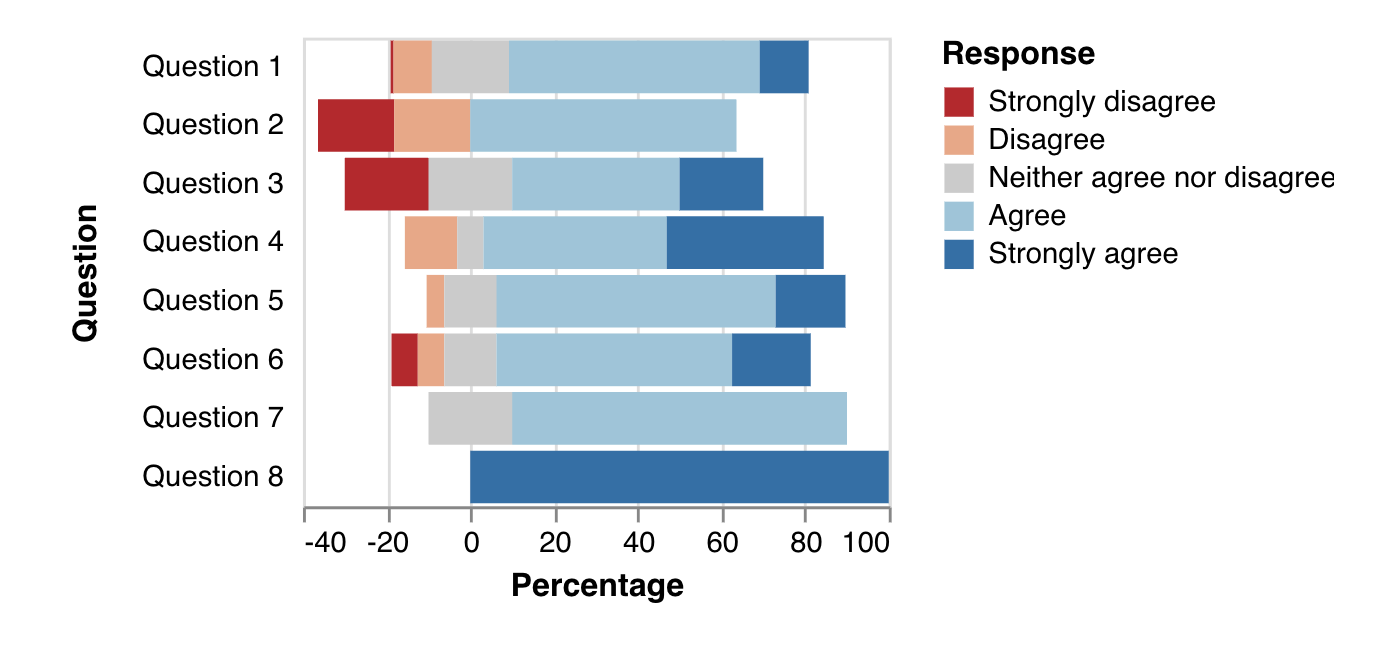
  • Bar & Column Charts
  • Line Charts
  • Pie & Donut Charts
  • Scatter Plots
  • Heatmaps
  • Treemaps
  • Sankey Diagrams

🏢 Organizational

  • Org Charts
  • Hierarchy Diagrams
  • Mind Maps
  • Decision Trees

🗂️ Software Architecture

  • UML Diagrams
  • C4 Architecture
  • System Diagrams
  • Sequence Diagrams

🗄️ Database

  • Database Schemas
  • ER Diagrams
  • Data Models

🌐 Network & Infrastructure

  • Network Diagrams
  • Infrastructure Maps
  • Rack Diagrams

See Neural Draw AI in Action

Real conversations, real results—just describe what you need
📄

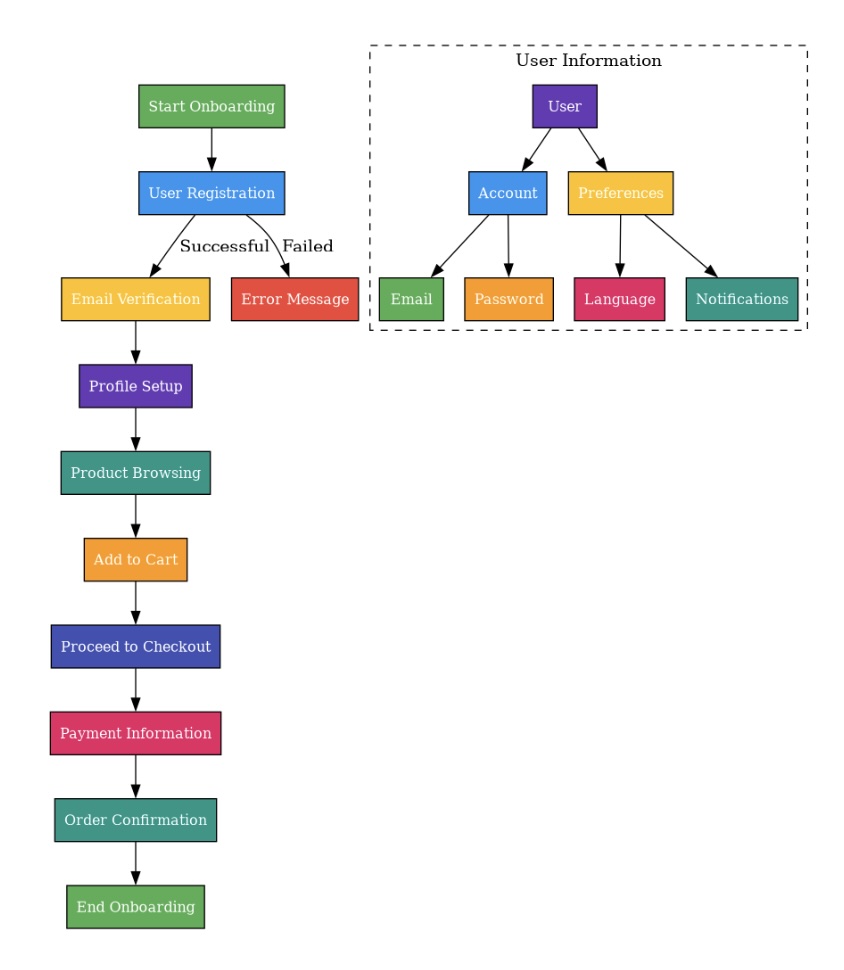
Customer Onboarding Workflow

💬 Conversation with AI

You:
"Create a workflow for customer onboarding with steps for signup, email verification, profile setup, and welcome email."
AI:
"I've created your customer onboarding workflow! You can preview it or insert it into your document."
Customer Onboarding Workflow Diagram
🏢

Company Organization Chart

💬 Conversation with AI

You:
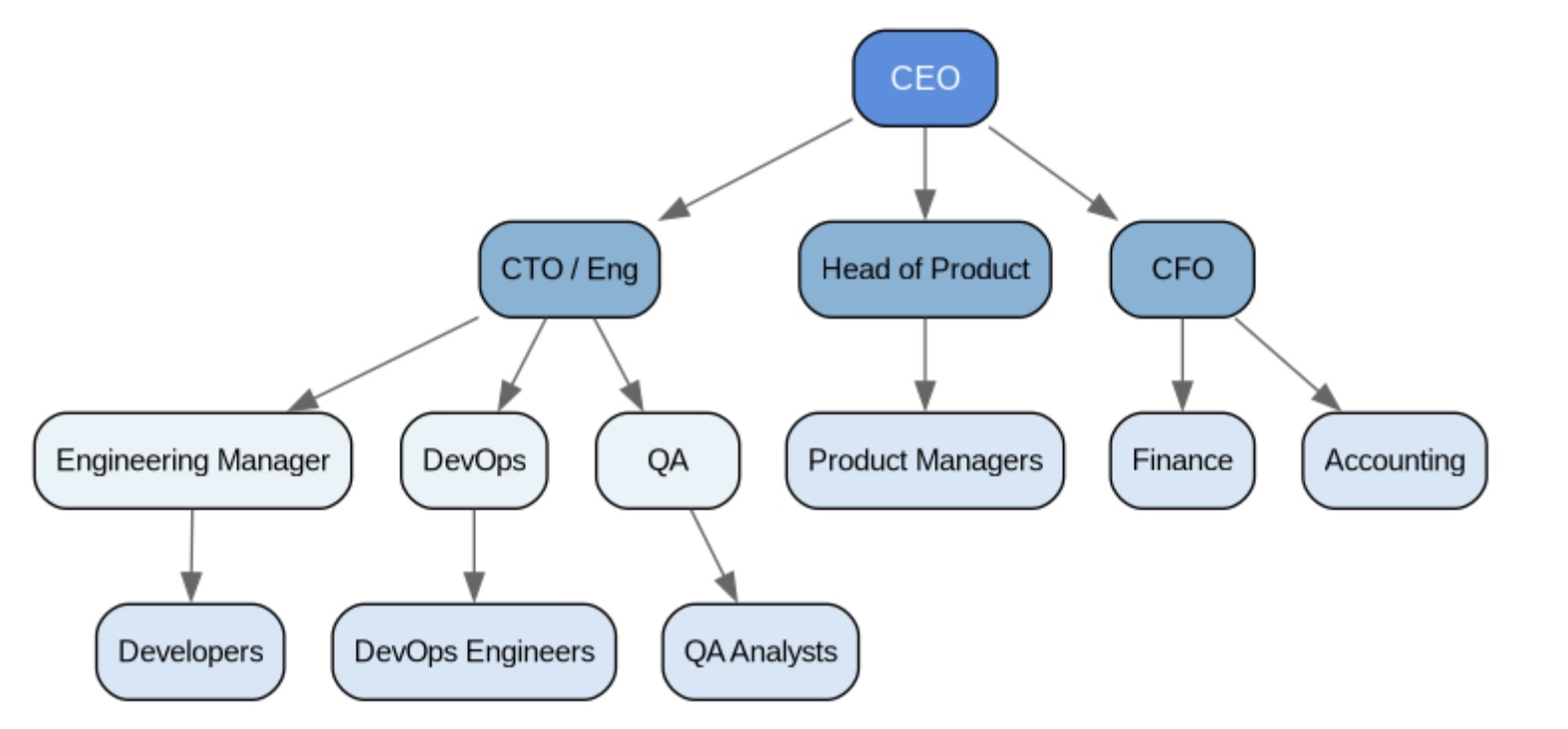
"Draw an org chart for a startup with CEO, CTO, CFO, and teams under each: Engineering, Product, Sales, and Finance."
AI:
"I've created your organization chart with clear hierarchy and color-coded departments!"
Company Organization Chart
📊

Sales Performance Bar Chart

💬 Conversation with AI

You:
"Create a bar chart showing Q1-Q4 sales: Q1: $50K, Q2: $75K, Q3: $90K, Q4: $120K. Use a blue color scheme."
AI:
"Your sales performance chart is ready with clear labels and a professional blue gradient!"
Sales Performance Bar Chart
🗂️

System Architecture Diagram

💬 Conversation with AI

You:
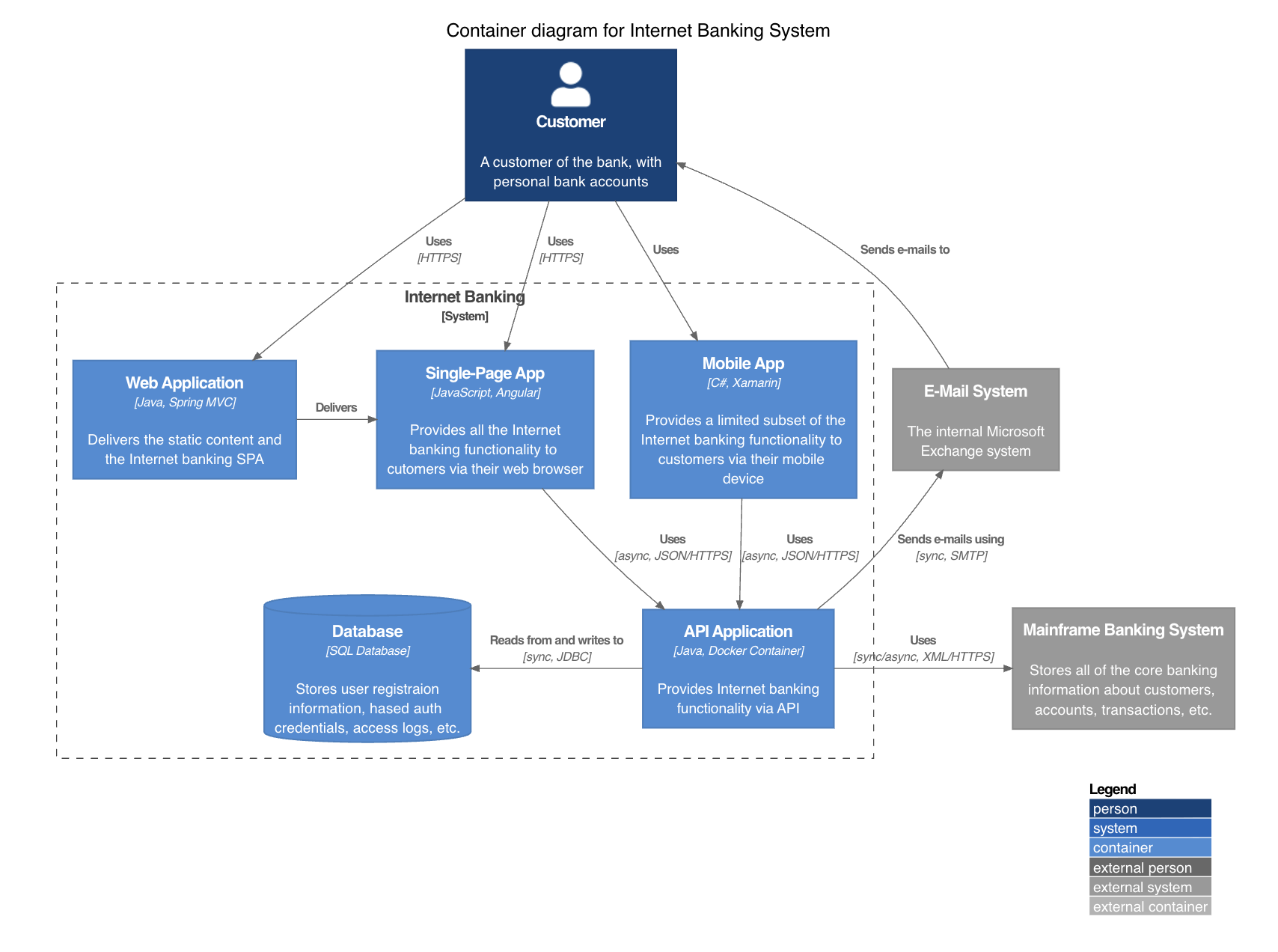
"Show a web app architecture with Frontend, API Gateway, Backend Services (Auth, Database, Cache), and External APIs."
AI:
"I've created a clean architecture diagram with all components and their connections!"
System Architecture Diagram

How It Works

Creating professional diagrams has never been easier

1

Install & Open

Install Neural Draw AI from Google Workspace Marketplace. Open it in Google Docs or Slides.

2

Describe Your Diagram

Simply type what you want in plain language. Work in any language you're comfortable with.

3

AI Creates It

Our AI generates a professional diagram in seconds. Preview it to make sure it's perfect.

4

Insert & Done

Click to insert your diagram. Edit anytime by continuing the conversation.

Simple, Transparent Pricing

Try it free, then pay only for what you use

Get Started Free

$5
for 20 diagrams
  • 5 free diagrams to start
  • All diagram types included
  • All AI models available
  • Unlimited edits & refinements
  • Credits never expire
  • Instant activation
  • Secure PayPal checkout
Get Started Free